
Court booking
Find a venue in your city, read a full day of availability and reserve a court, field, hall or table in a few taps.
Court booking is live · 22+ sports · free to use
Reserve a court at a venue near you, organise the game, run leagues and tournaments, and keep every result you've ever played — one app for your city.
No install required · app.pilipovic.tech
NEW
Open the Book tab, pick a venue in your city, read the whole day's availability and choose a start and a length. Confirmed instantly, or held while the venue answers.
You never pay in the app. Prices are a “from” estimate — you settle at the venue.
Open Book, pick a venue near you and read the whole day at a glance. Choose a start and stretch it to the length you want.
Post the match as an event on the map, or invite your club. Everyone who joins lands in an automatic group chat for that game.
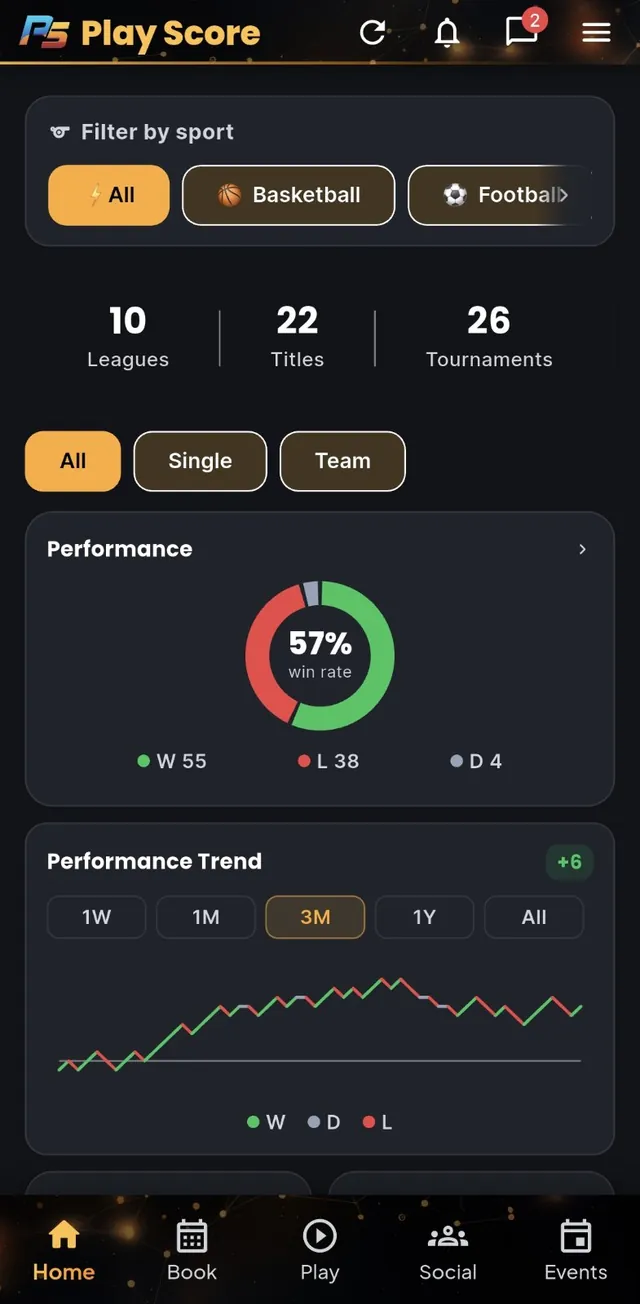
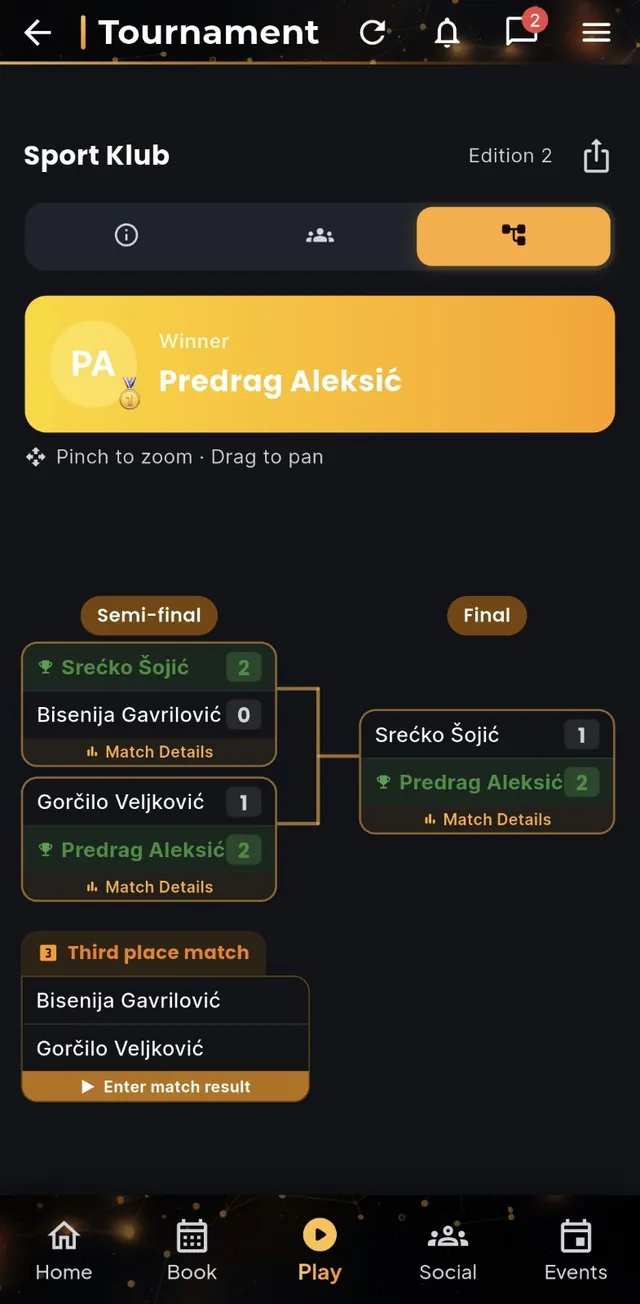
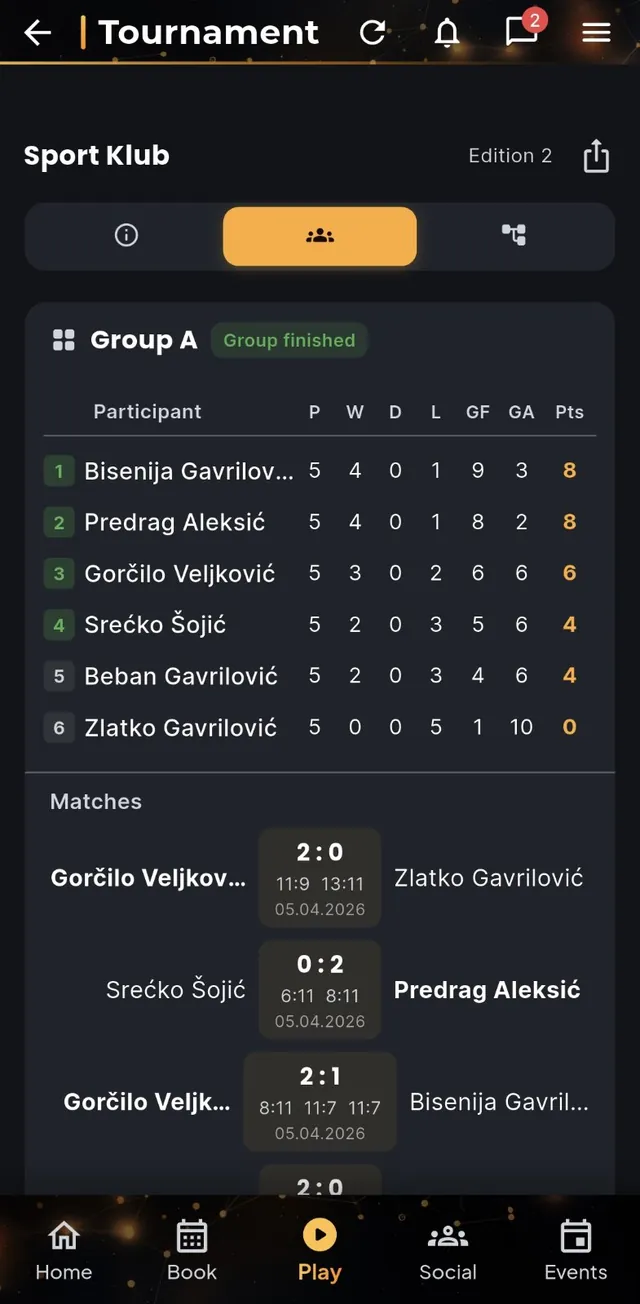
Enter the result while you're still on the court. Standings, brackets, your win rate and your trophy case all update themselves.
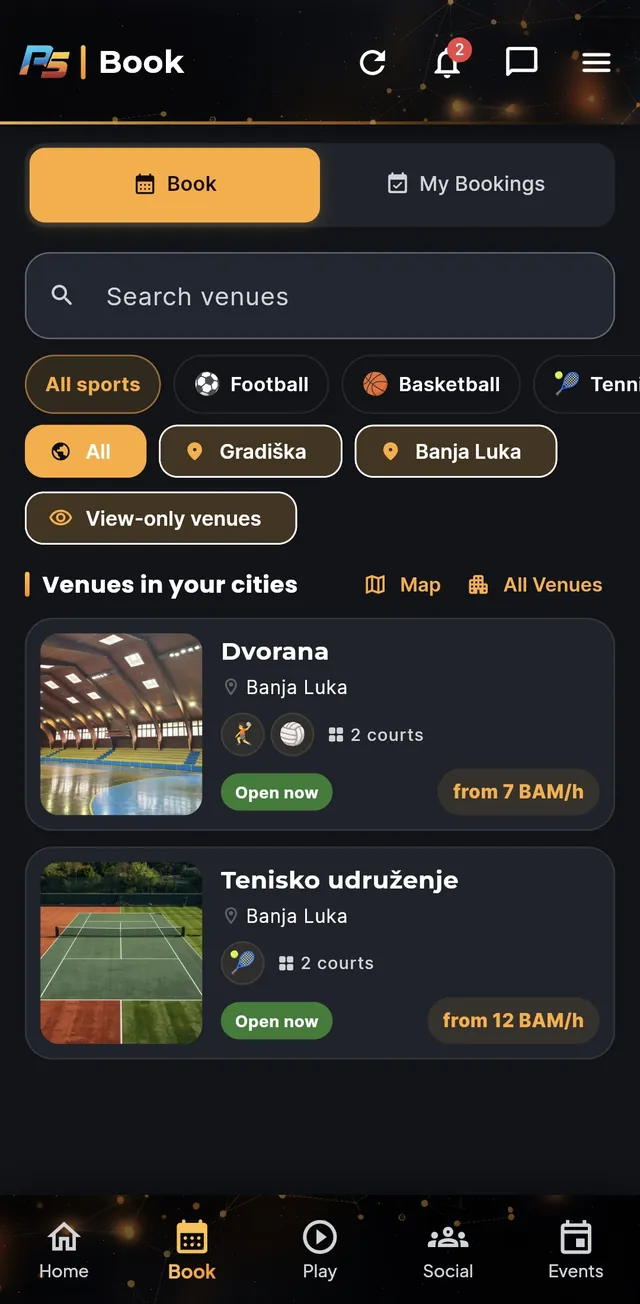
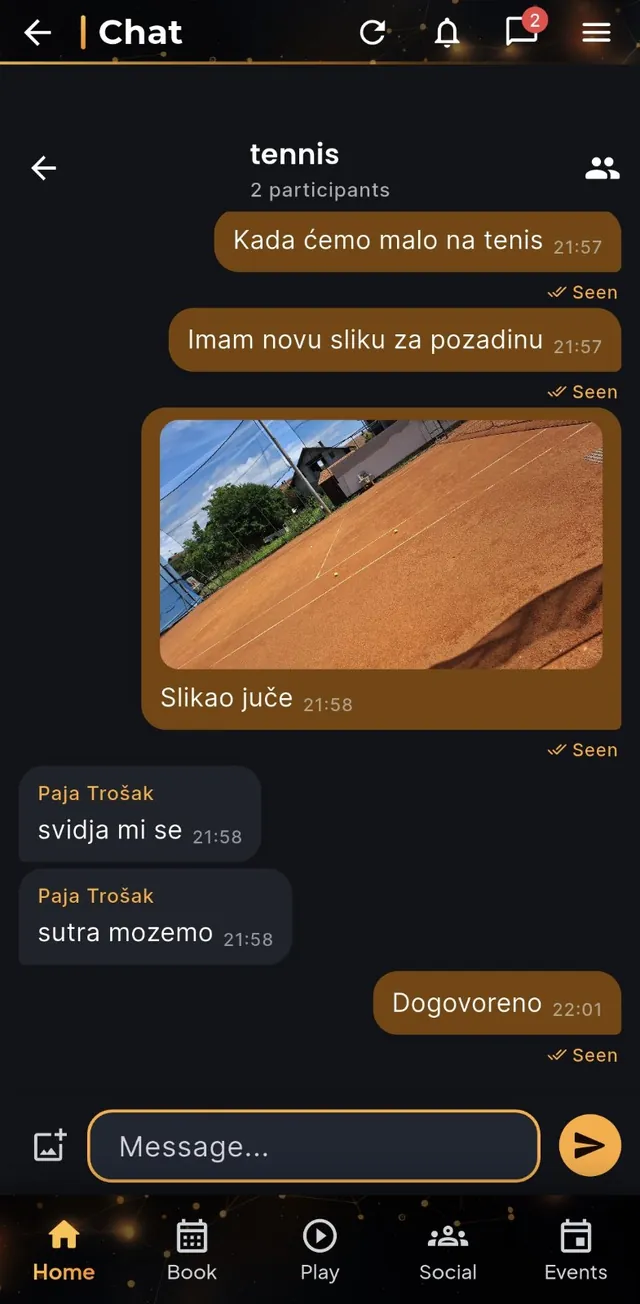
Find a venue in your city, read a full day of availability and reserve a court, field, hall or table in a few taps.
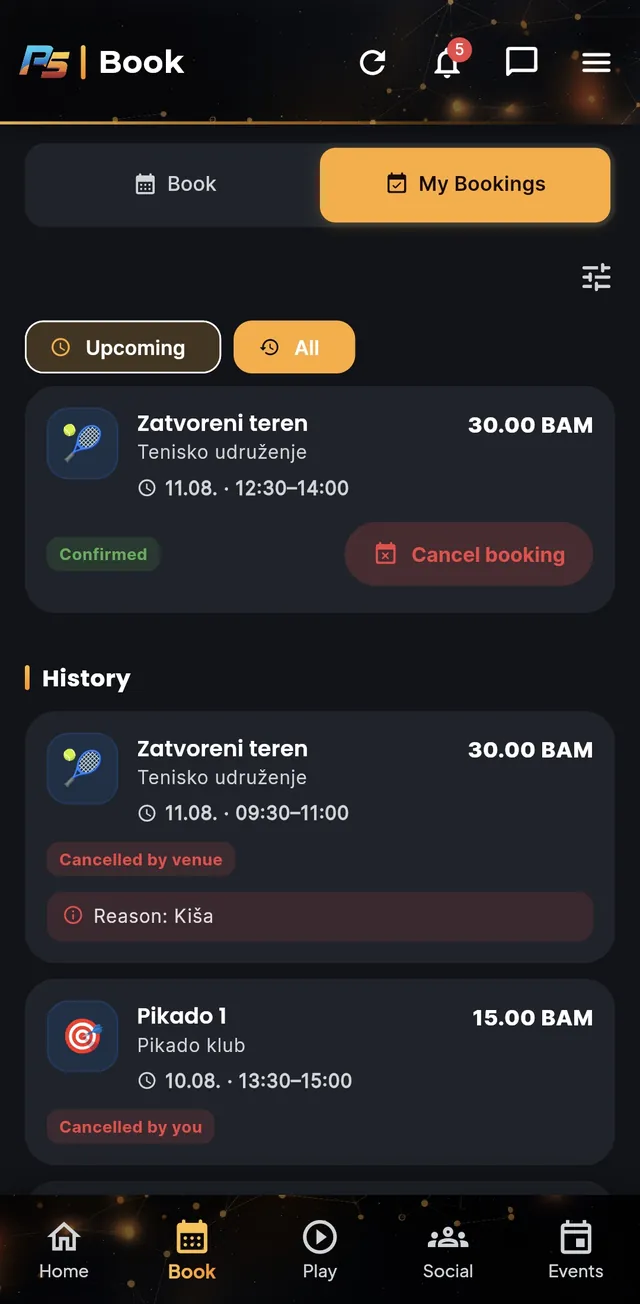
Upcoming first, full history behind it. Clear statuses — confirmed, pending, declined, cancelled — with the venue's reason.
Post a pickup game at a real location. Public events show up on the map for anyone in your city to join.
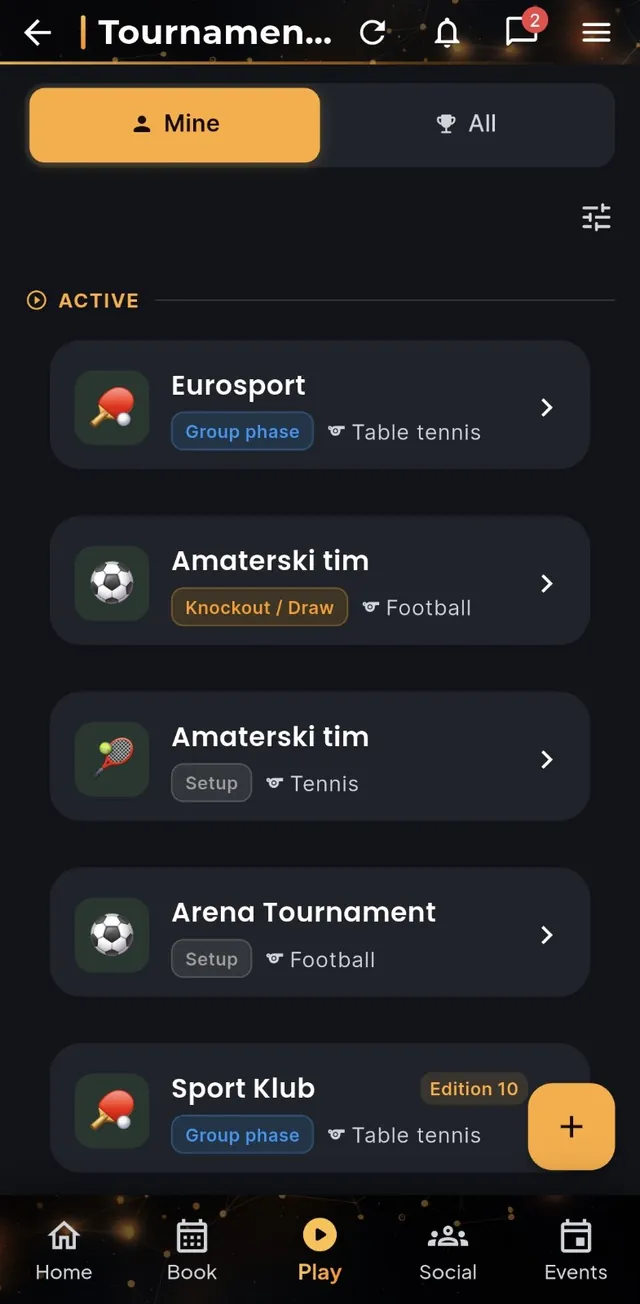
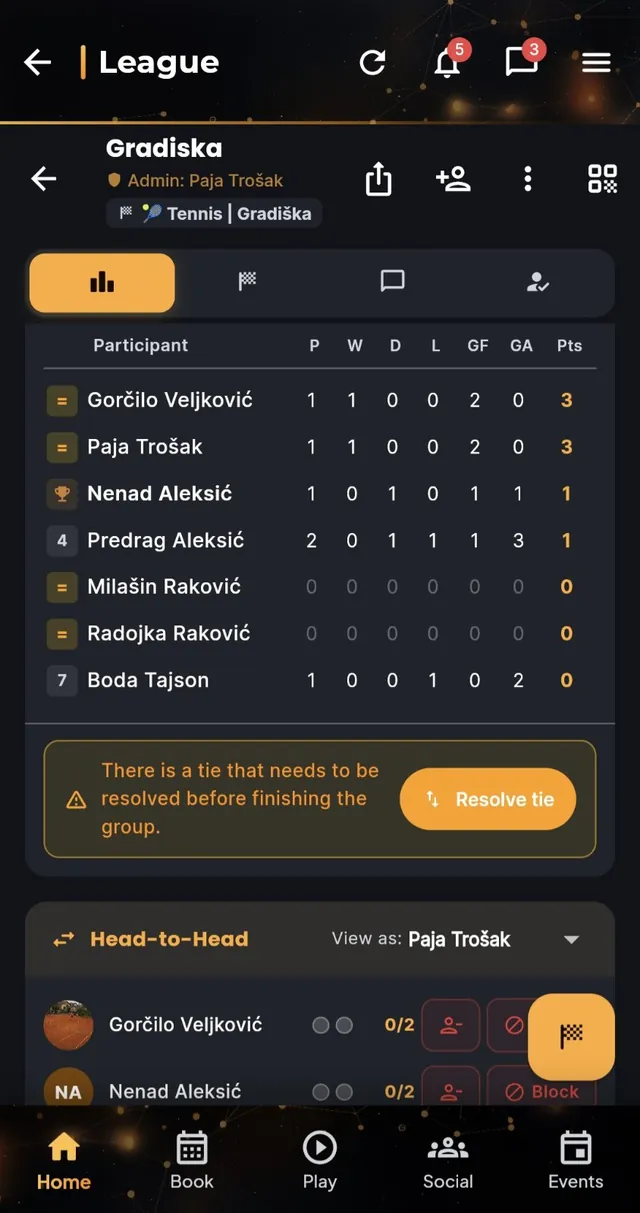
Live standings, group stages and knockout draws. Record results as you play — the table updates itself.
A feed, group chat, polls and an events board for your club or friend group, all in one hub.
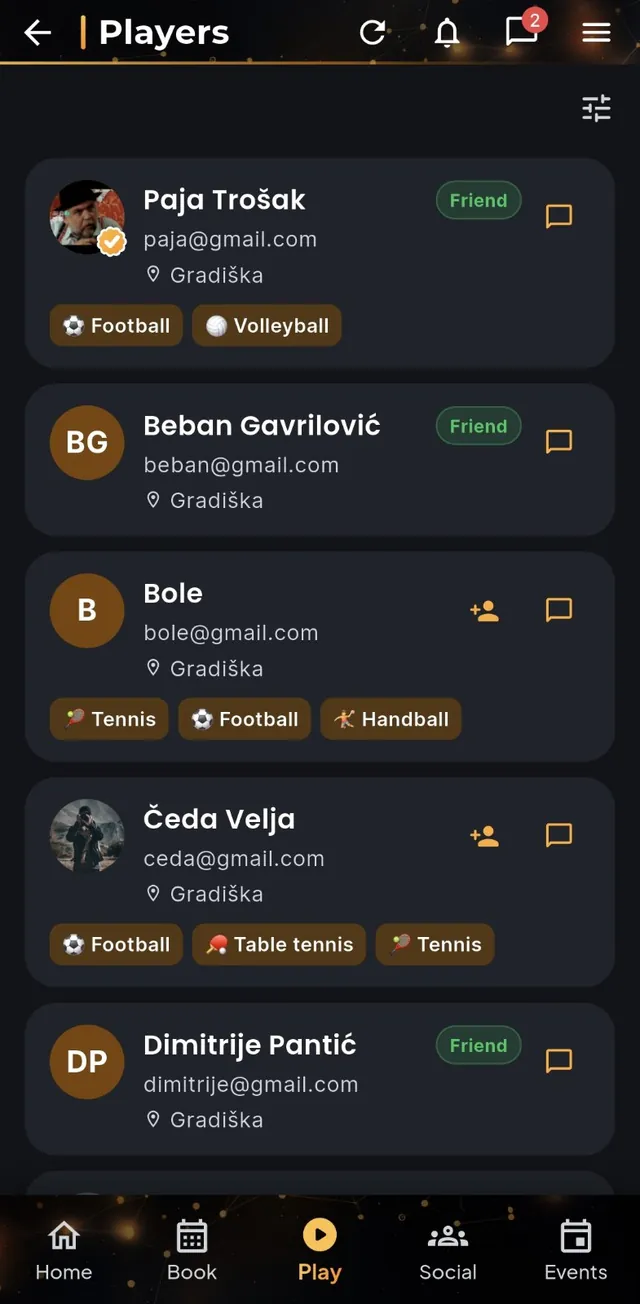
Discover real clubs, request to join, track your memberships, and see the venues nearest you.
Friendlies, league games and tournaments land in one match history — plus a trophy case on your profile.
Direct messages, group chats, an automatic chat per event and league, and alerts for bookings and results.
For clubs & venues
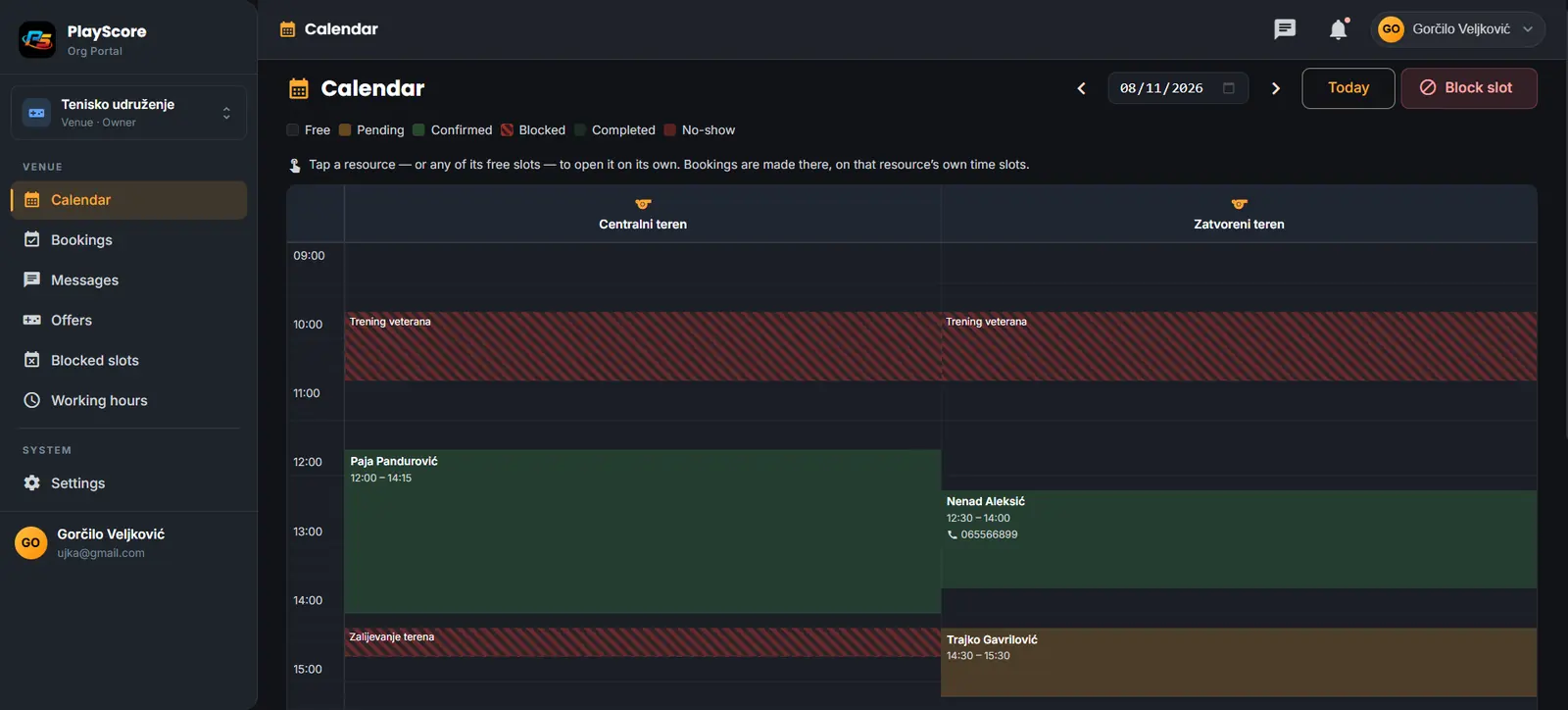
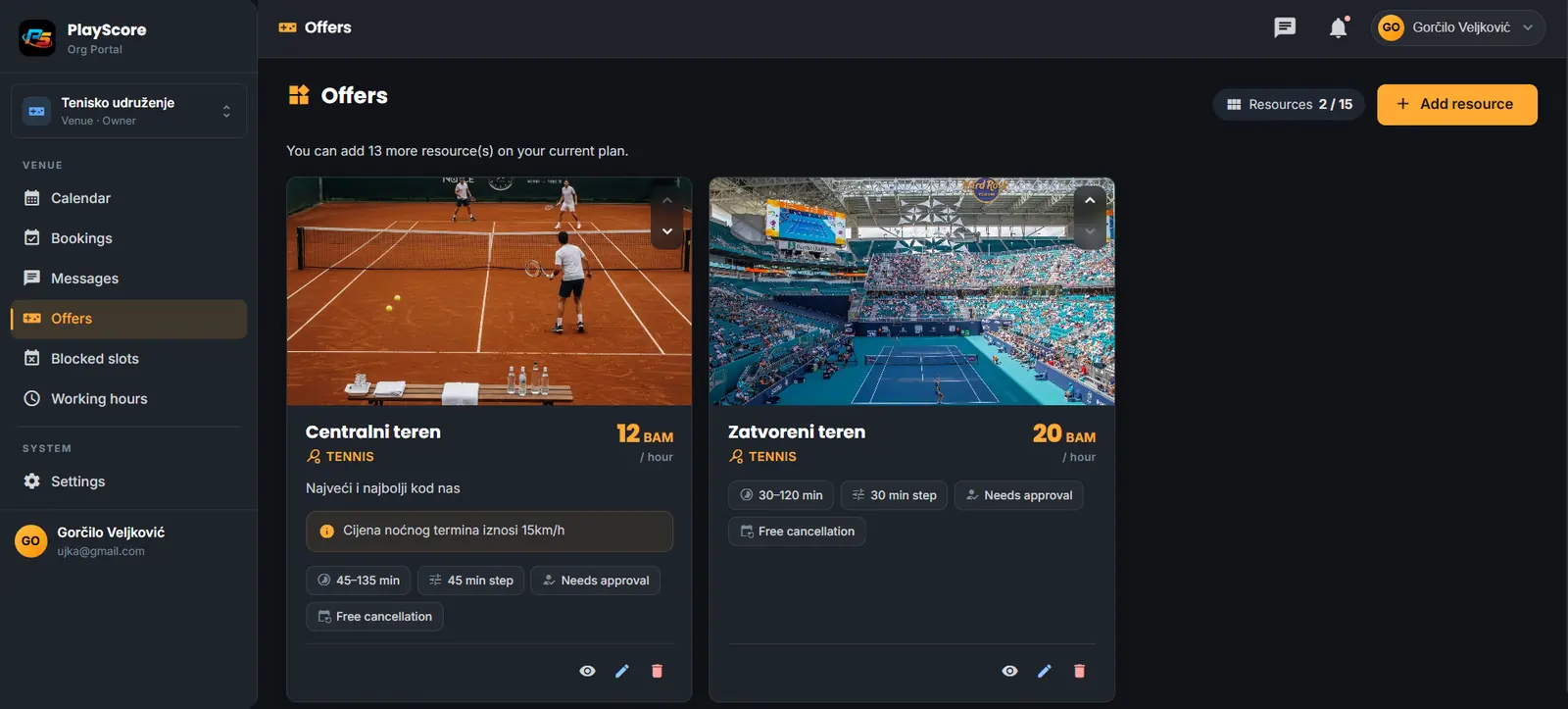
The PlayScore Org Portal is the dashboard behind the app: a booking calendar per court, incoming requests with customer reliability, prices and working hours, blocked slots, a message inbox — and for clubs, members, memberships and rankings.
Want a walkthrough?
Running a club or a venue, or just want to see how a league works before you commit? Send a message and you'll get a live walkthrough of the app and the portal — and help setting your courts, prices and working hours up.
Yes. Players use PlayScore for free — booking courts, leagues, tournaments, chat and match history are all included. Venues and clubs pay for the Org Portal, after a 45-day free trial.
No. PlayScore never takes payment. The price you see is a “from” estimate so you know roughly what to expect — you settle directly with the venue.
PlayScore installs on iPhone and iPad straight from Safari: open the site, tap Share, then Add to Home Screen. No App Store account needed. Android has a Play Store build as well.
Over 22, from football, futsal and basketball to tennis, padel, volleyball, handball, badminton, table tennis, darts and chess — each with the scoring rules that sport actually uses.
Sign up for the Org Portal, add your courts, prices and working hours, and you appear in the app's Book tab for everyone nearby. The first 45 days are free and no card is required — or ask for a demo and I'll set it up with you.
Your account, matches and bookings are yours — you can export or delete them from Settings at any time. The full privacy policy is linked in the footer.
Free to use. Works in any browser, on Android, and on iPhone.
Open the web app